

How do I fix a duplicate wrestler or wrong weight class after publishing?
Start by checking whether the incorrect entry has an active or completed bout. That determines what can be changed safely. If a wrestler simply weighed in over their class, see A wrestler comes in over.
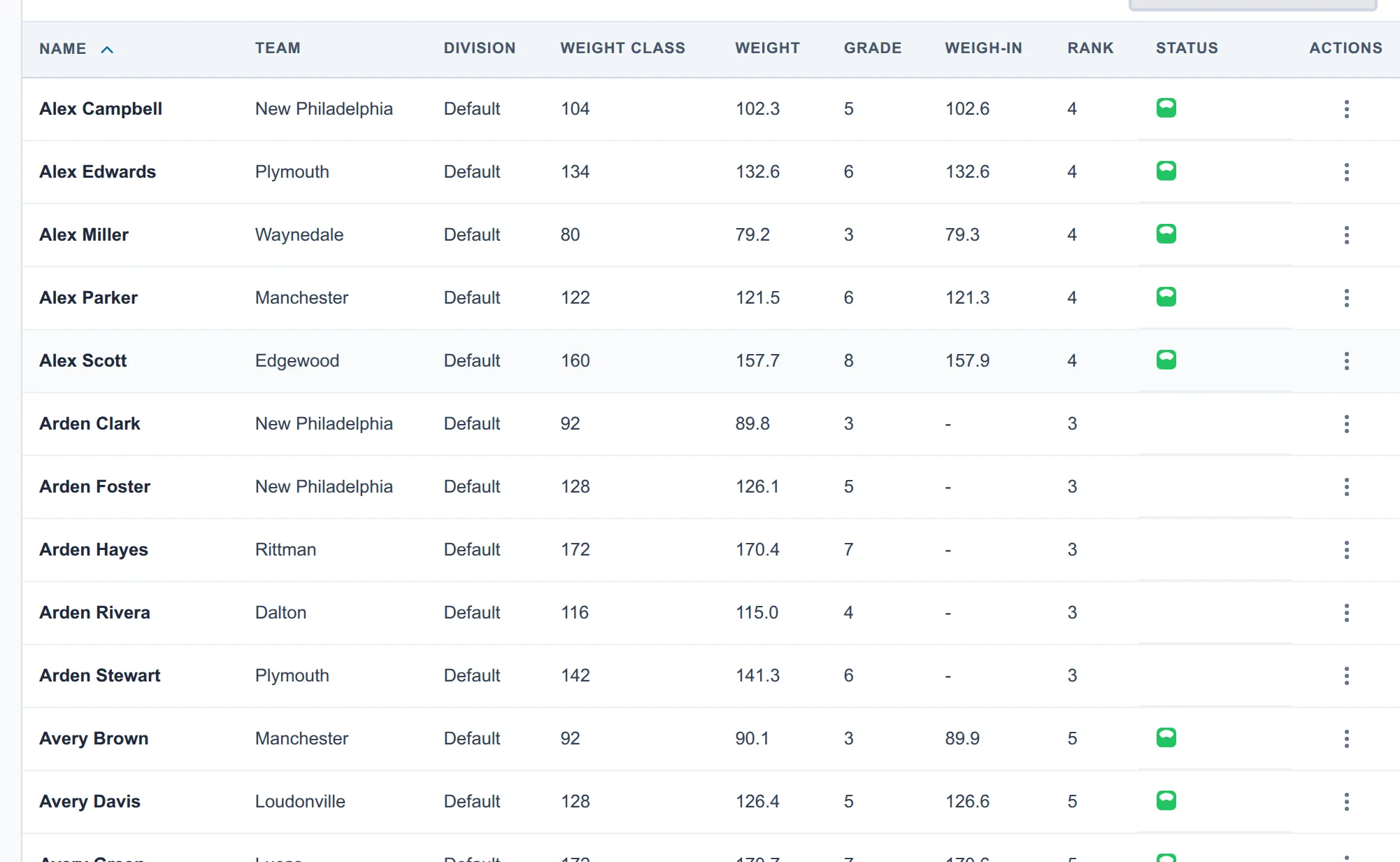
No affected bout has started
Section titled “No affected bout has started”- For a wrong bracket or weight class, open Brackets, turn on Edit, and confirm Edit Brackets Anyway. Open the wrestler’s ⋮ menu, choose Move to another bracket…, pick the correct bracket, and choose Move Wrestler, then Continue Anyway.
- For an accidental duplicate that should not compete, choose Scratch… from the same menu. It takes the incorrect entry out of that division’s brackets.
- Publish the changes. In System Managed, open Match Publishing, choose Review changes…, and then Build & publish. In Director Managed, return to Match Publishing and choose Run… on each affected saved schedule, or Update & run… on its rule. Run updates the brackets for you. Leave Renumber everything off and use Keep what’s waiting; add new bouts on the intended mats.
The review lists both brackets. The bracket the wrestler left doesn’t shrink: a round robin keeps the empty spot as byes, which complete on their own. A wrestler-only correction keeps the bout numbers. If either bracket grows, shrinks, or needs different matchups, only its unwrestled bouts are renumbered; the rest of the event keeps its numbers.
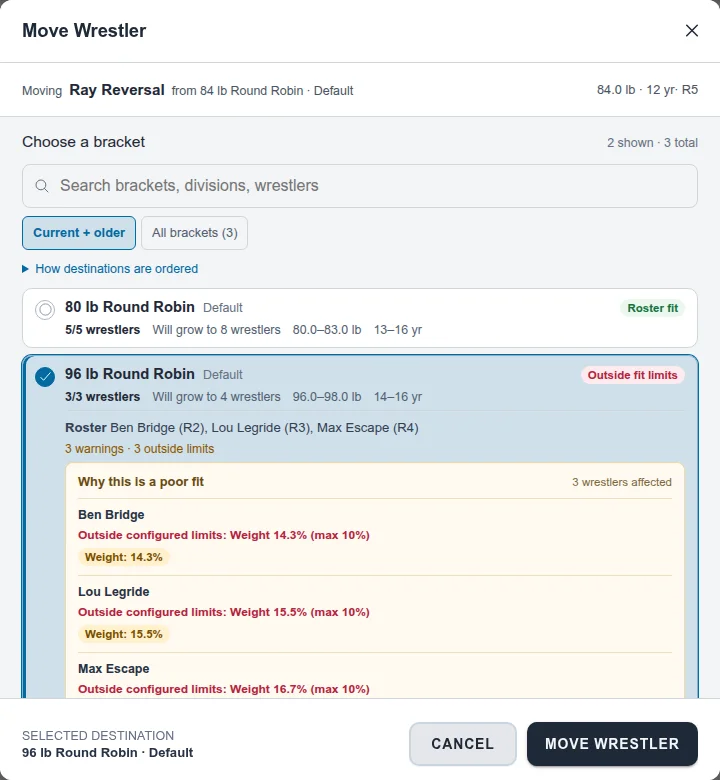
To reorder wrestlers inside one bracket, drag them by the handle in Edit mode. Swap with… only swaps with a wrestler in a different bracket.
Moving to another division
Section titled “Moving to another division”Moving a wrestler into another division’s bracket moves their registration to that division too, so Registrations and the roster stay in step. A kid can’t have two confirmed registrations in the same division, so if they’re already entered there, Snapdown refuses the move and says what to do: to keep only the other division, scratch them from this one. If their registration for that division isn’t on the roster yet, add it from Update Roster first, then scratch the division you don’t want. Snapdown also won’t move someone out of a division they’ve already wrestled in; their results stay there.
The incorrect entry is queued but has not wrestled
Section titled “The incorrect entry is queued but has not wrestled”Use Scratch… from the wrestler’s menu on Roster. If Snapdown asks how to resolve a queued bout, choose the disposition that matches your tournament rules. For a pure duplicate-data mistake, Make it a bye is usually more accurate than awarding a competitive forfeit.
An affected bout is active or complete
Section titled “An affected bout is active or complete”Do not delete the entry, rename it into a different wrestler, or rebuild the bracket around the recorded result. Snapdown blocks ordinary restructuring when it would disturb active or completed work.
Use Scratch… on the wrestler’s Roster row. Once they’ve wrestled in that division, it preserves completed results and resolves future bouts (see Withdraw an injured wrestler). A completed result attached to the wrong event entry or weight class currently needs an administrator-assisted correction; there is not yet a safe one-click repair that both preserves history and activates the correct entry.
Before continuing, verify the wrestler’s official record, bracket advancement, and team points.
See How do I change brackets after publishing matches? for what happens to bout numbers when a bracket changes.