


First open Weigh-ins, find the wrestler, and record the correct weigh-in. Then open Brackets and find them under Unassigned Wrestlers.
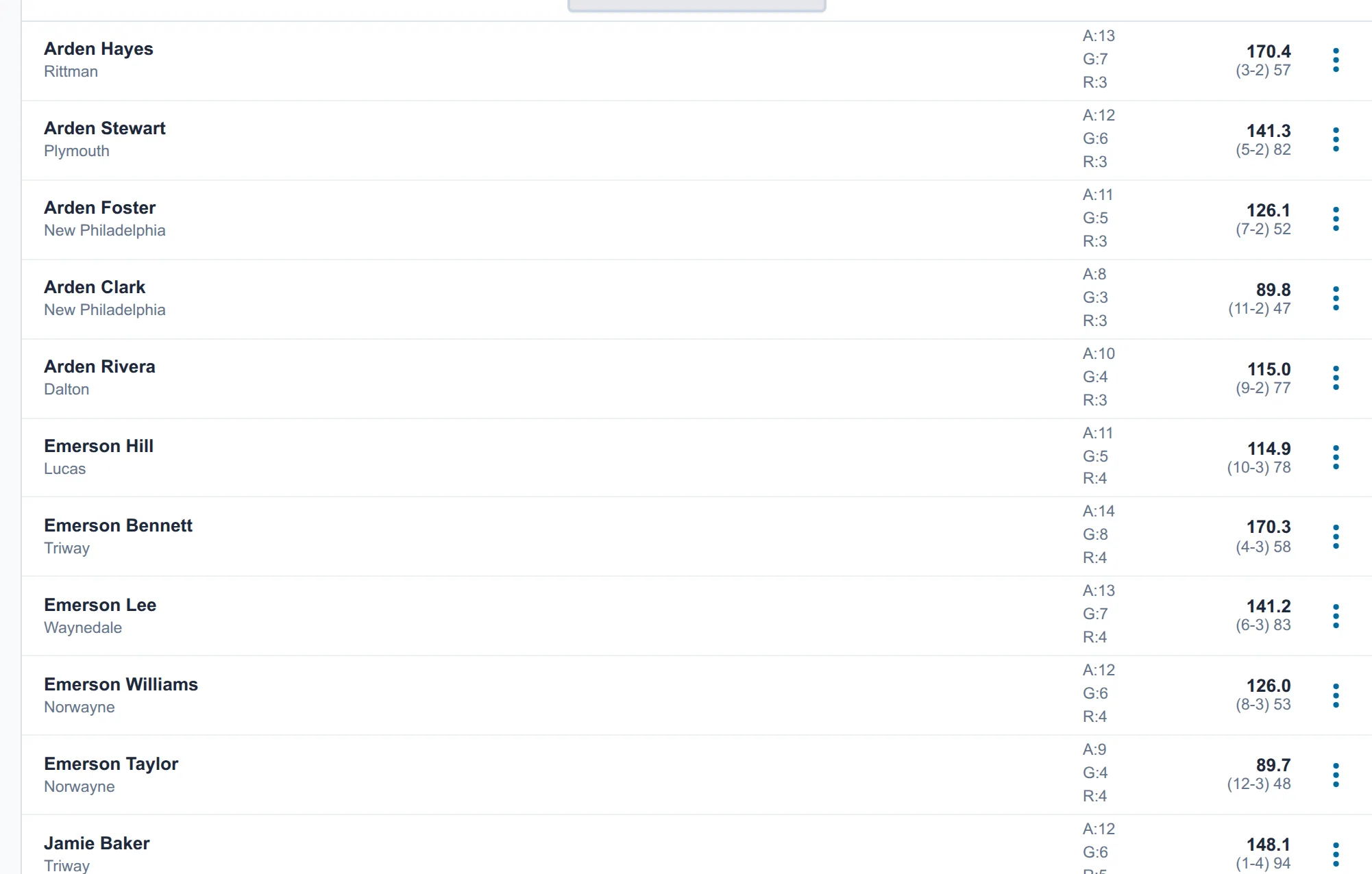
Add them to an existing bracket
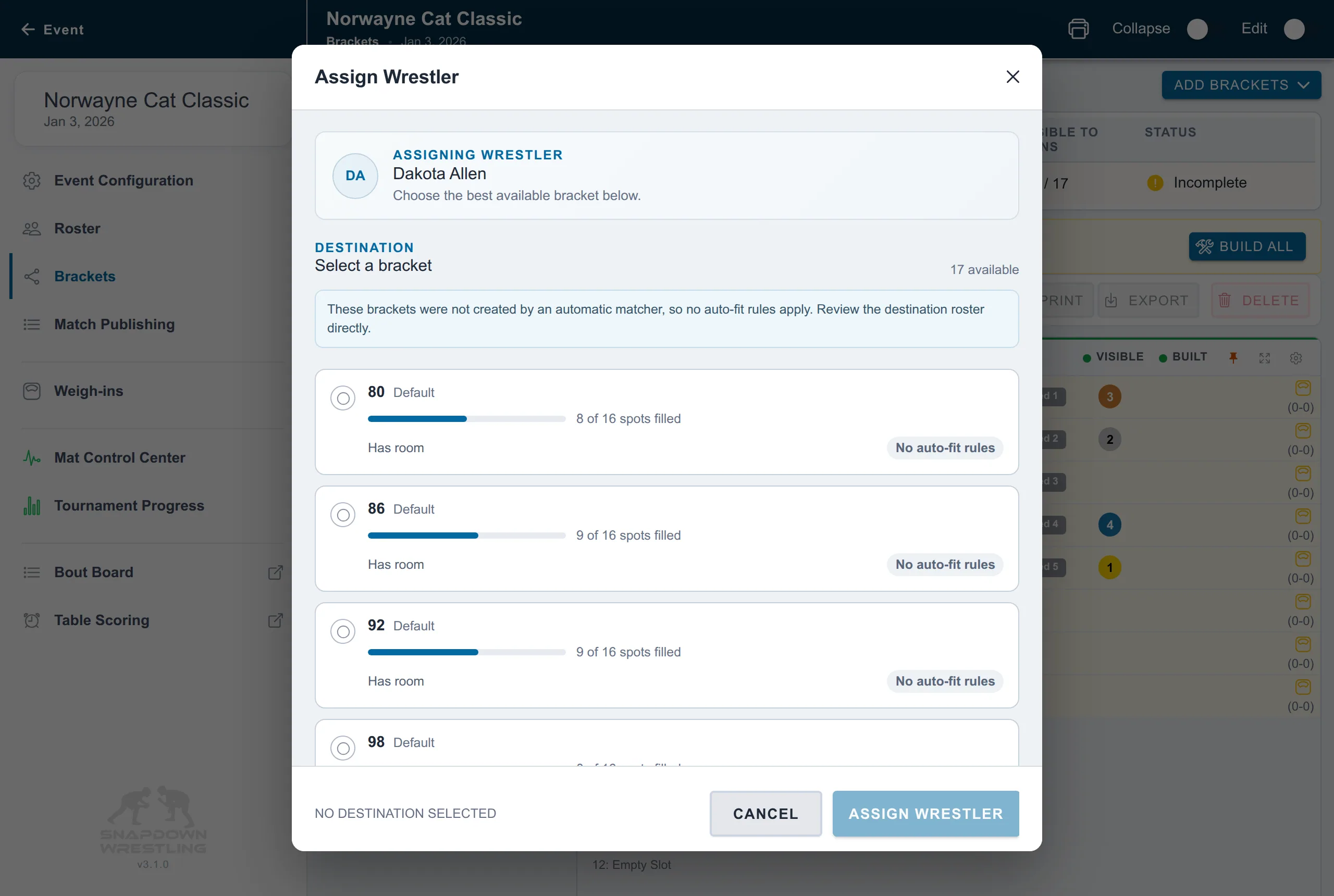
- Open the wrestler’s three-dot menu and choose Assign to bracket….
- Select a compatible bracket. Snapdown may grow that bracket to the next supported size.
- Choose Build on the changed bracket and review the repair preview.
- Open Match Publishing.
- In Auto Schedule, choose Publish changes. In Custom Schedule, number and publish the new bouts through the bracket’s intended rule and assignment group.
Existing surviving bouts keep their numbers and queue positions. New bouts are appended.
Create another bracket
Create the new bracket, then use Move to another bracket…, Swap with another wrestler…, or Assign to bracket… to fill it. Build every bracket you changed, then publish the changes.
Rebalancing four-person brackets into three-person brackets is safest before any affected bracket has started. If any affected bout is active or has a result, do not rearrange those brackets as a routine repair. Put the late wrestler in an untouched bracket, create a new bracket from untouched wrestlers, or add an exhibition instead.
See How do I change brackets after publishing matches? for the difference between Publish changes and Rebuild entire schedule.