


Use Custom Schedule when the event needs deliberate bout order, separate sessions, selected finals mats, or different rules for different parts of the tournament.
Publish a custom schedule
- Create and build the brackets on Brackets.
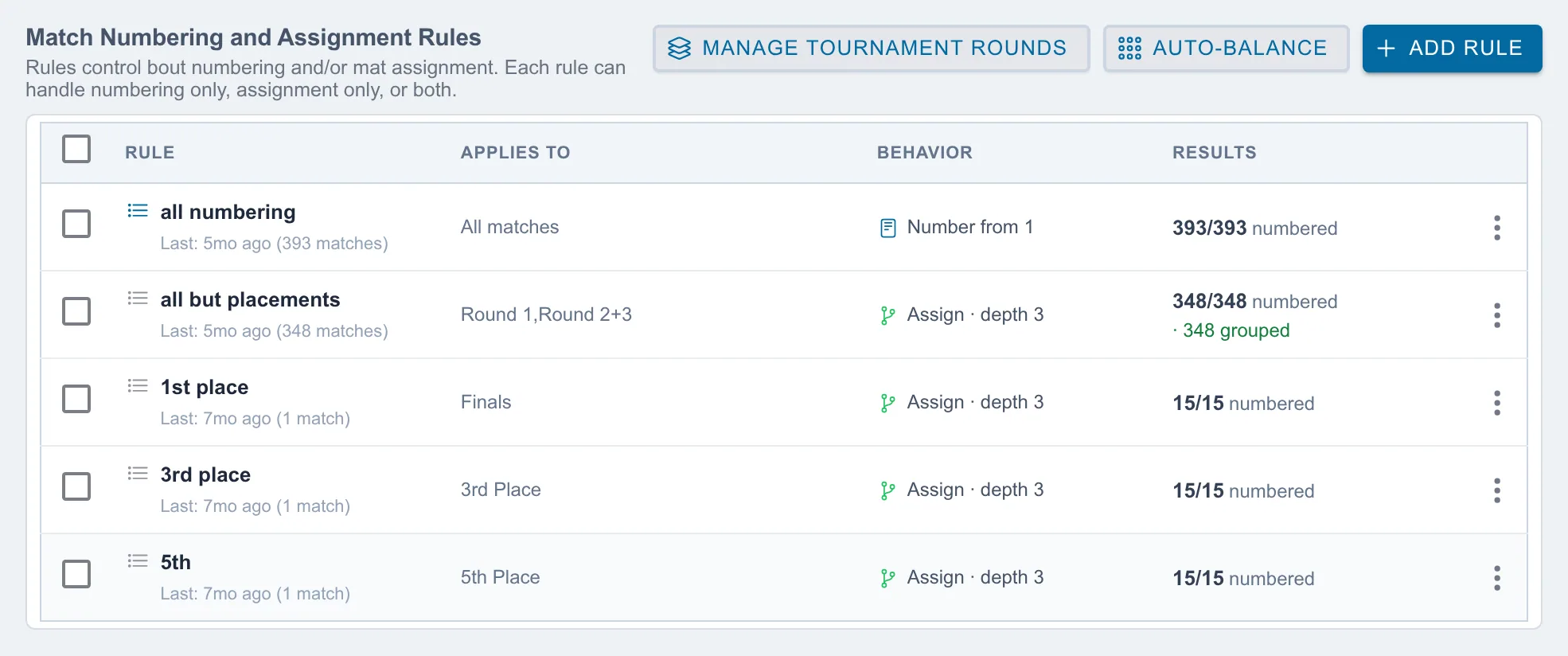
- Open Match Publishing and create numbering and assignment rules for the intended flow.
- Select the applicable rule and choose Preview Numbering.
- Review the bout order, then choose Apply Numbering.
- Select the rule again and choose Preview Assignment Group.
- Confirm the mat group and choose Build & Publish Group.
Repeat the rule steps for each part of the tournament. Before opening the Mat Control Center, verify that every built bracket has bout numbers and belongs to the intended assignment group.
Change a published custom schedule
Edit and rebuild only the affected bracket. Participant-only changes keep the surviving schedule. For a new or expanded bracket, run its intended rule through Preview Numbering and then Preview Assignment Group. Existing bouts remain in place; the new bouts are added to the selected group.
See How do I change brackets after publishing matches? for the task-by-task instructions and rebuild warning.