

Start by checking whether the incorrect entry has an active or completed bout. That determines what can be changed safely.
No affected bout has started
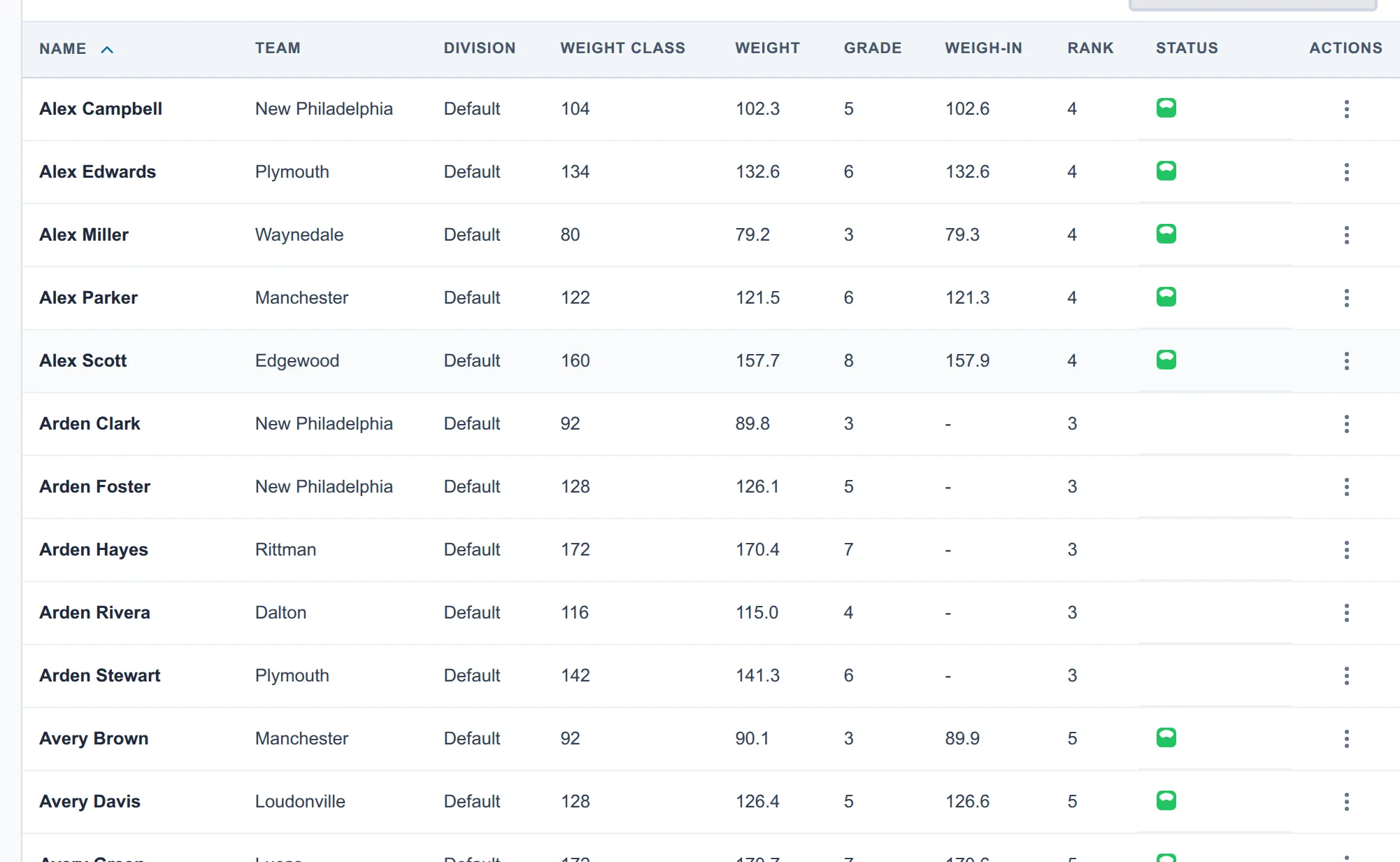
- For a wrong bracket or weight class, use the wrestler’s three-dot menu on Wrestlers or Brackets and choose Move to bracket…. Select the correct destination.
- For an accidental duplicate that should not compete, choose Scratch / Withdraw and remove the incorrect entry from its brackets.
- Build every affected bracket, then use Publish changes or the applicable Custom Schedule rule.
Review both the source and destination brackets before allowing either one onto a mat.
The incorrect entry is queued but has not wrestled
Use Scratch / Withdraw. If Snapdown asks how to resolve a queued bout, choose the disposition that matches your tournament rules. For a pure duplicate-data mistake, Make it a bye is usually more accurate than awarding a competitive forfeit.
An affected bout is active or complete
Do not delete the entry, rename it into a different wrestler, or rebuild the bracket around the recorded result. Snapdown blocks ordinary restructuring when it would disturb active or completed work.
Use Withdraw to preserve completed results and resolve future bouts. A completed result attached to the wrong event entry or weight class currently needs an administrator-assisted correction; there is not yet a safe one-click repair that both preserves history and activates the correct entry.
Before continuing, verify the wrestler’s official record, bracket advancement, and team points.